Now on the App Store. Free for iPhone.

Before the day goes,
keep a line of it.

These Days is a small journal for iPhone. Write a quick line or a longer entry, and find your way back to any day. Everything stays on your phone unless you turn on iCloud sync.

Download on the App Store
Today, Sunday 4 October. Three sample entries about coffee by the window, a walk with Maya and a slow morning at home.

Three screens.

Write

Start with a line.

The app opens on Today, ready to write. Each line is saved with its time. When there is more to say, a longer entry is one tap away.

Coffee by the open window. The street was still quiet.
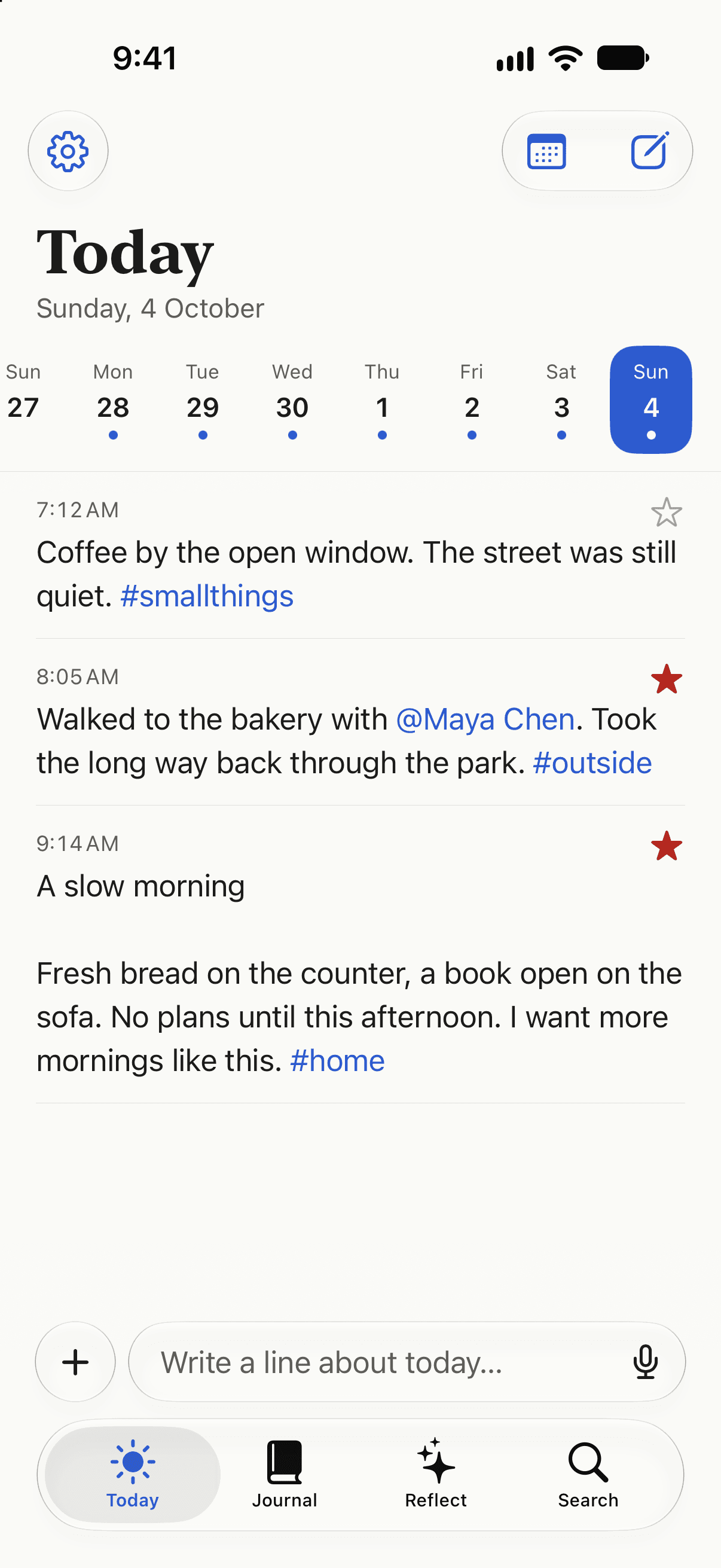
7:12 AM, tagged #smallthings
Today, Sunday 4 October, with three sample entries and a field for writing another line.

Revisit

Every day, kept in order.

Entries are grouped by day. Tags and people are typed straight into the text, so searching a name or a word brings back the day it belongs to.

Walked to the bakery with @Maya Chen. Took the long way back through the park.
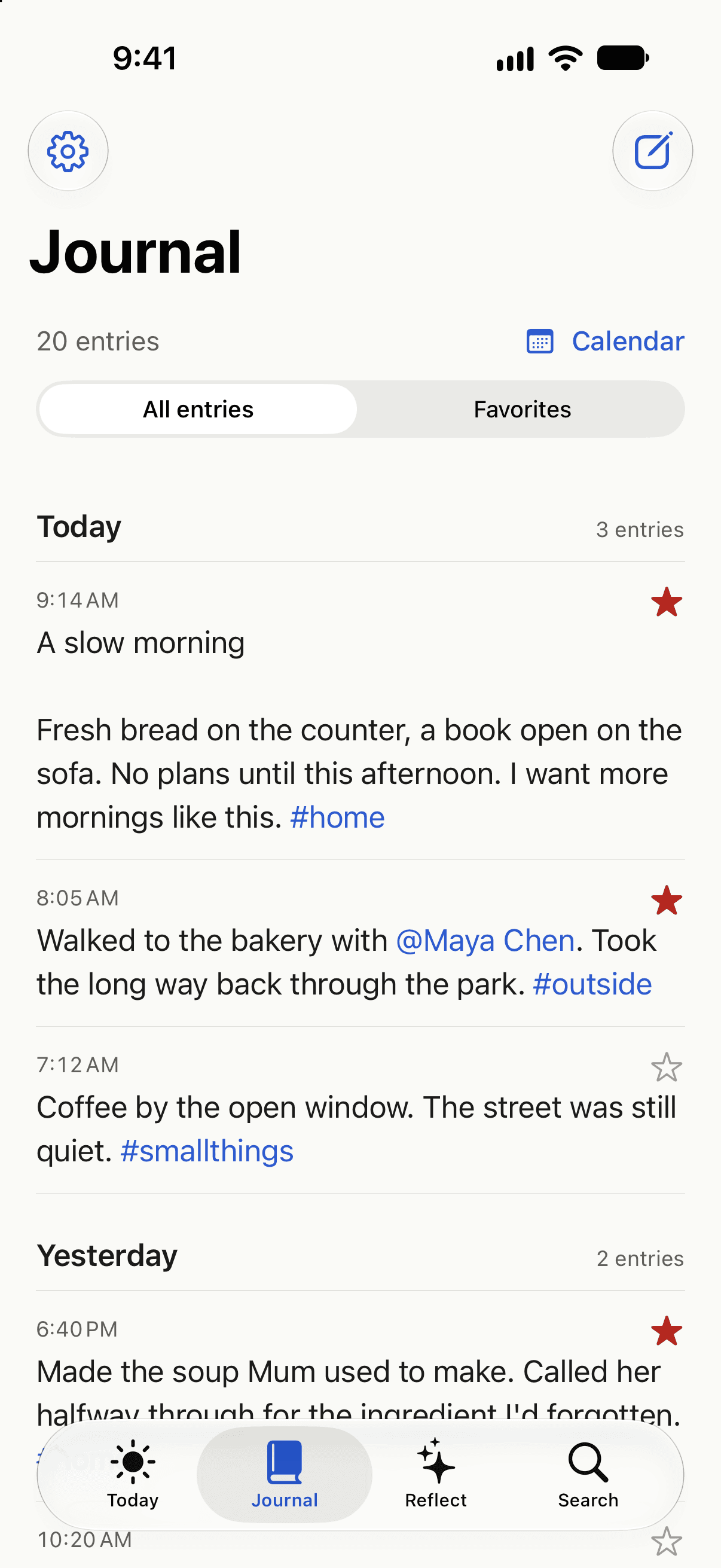
8:05 AM, a favourite, tagged #outside
Journal, with 20 sample entries grouped by day, favourite stars, inline tags and a mention of Maya Chen.

Reflect

Stuck? Start with a question.

Reflect gives you a question to answer, shows what you wrote on this day in earlier years, and keeps yesterday within reach.

What will you remember about this week?
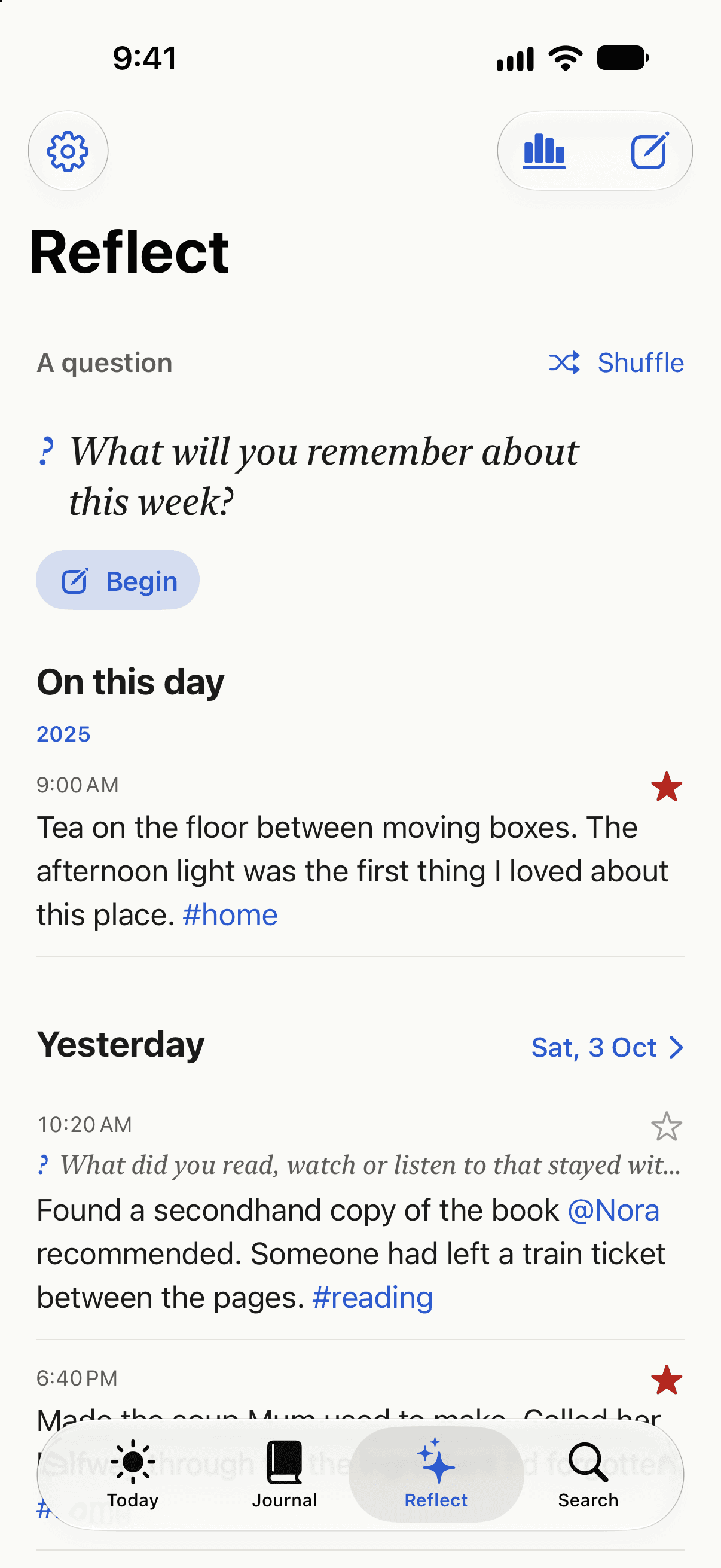
A question to write from
Reflect, with a writing question, an On this day entry from 2025 and entries from yesterday.

What These Days
won't do.

  • No account.Open the app and write.
  • No ads.None, anywhere in the app.
  • No analytics.The app does not track how you use it.
  • No developer server.Nothing you write is sent to me.
  • No required sync.Keep it on your iPhone, or turn on private iCloud sync.

What it does is keep every entry, along with earlier versions and drafts, on your iPhone. You can export a Markdown copy or save a full JSON backup at any time.

Common questions.

Is These Days available now?

Yes. It is free on the App Store and needs an iPhone running iOS 26 or later.

Do I need an account or an internet connection?

No. There is no account to create, and writing, searching and looking back all work offline. iCloud sync is optional and uses your Apple Account.

Does my journal sync between devices?

Yes, if you turn on iCloud sync in Settings. Your entries are stored in your own private iCloud database, with their contents in encrypted fields. You can also save a full JSON backup and restore it later.

Can I get my writing out?

Yes. Export your entries as Markdown to read anywhere, or save a JSON backup that includes entries, earlier versions and drafts. You choose where the file goes.

Start with
one line.

These Days is made by Yash Kadam. It is free on the App Store and needs iOS 26 or later.

Download on the App Store

Need help or found a problem? Email yashkadam278@gmail.com.

About Yash