
Reports that show the sum
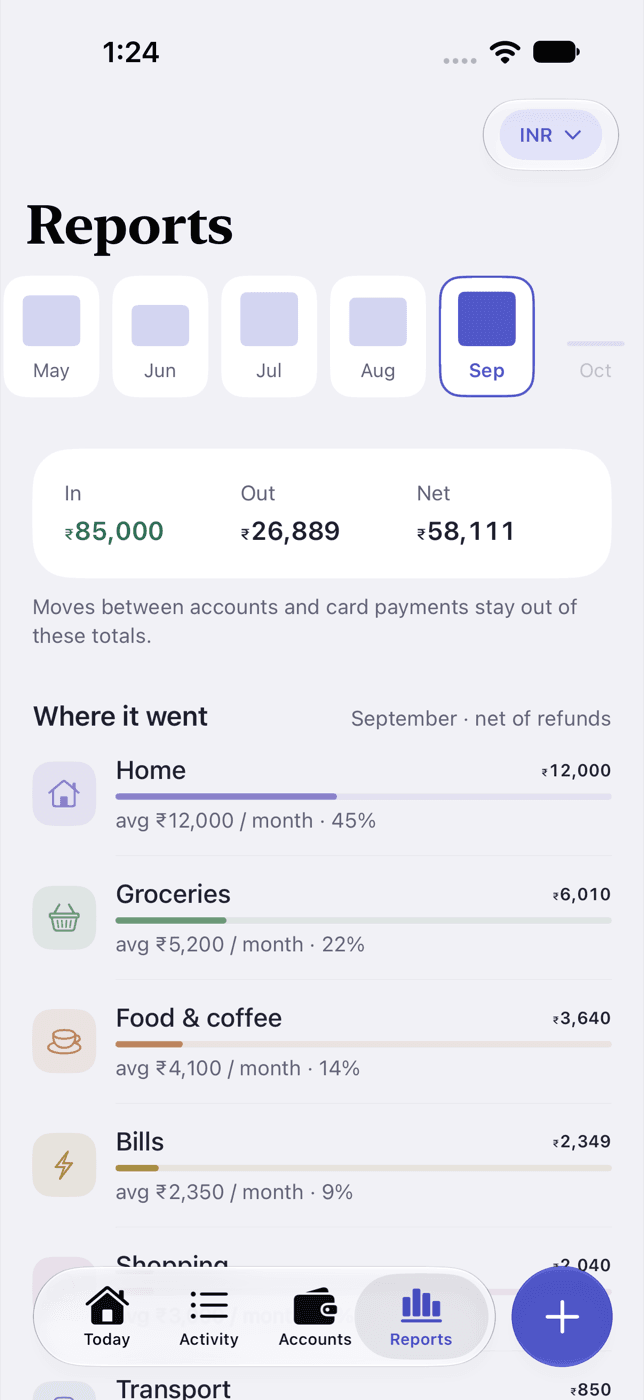
A month strip back to your first month, In, Out and Net, where it went with shares and averages, and a grid of every day.
Tillwise records what you spend, on iPhone. No account, no bank login, nothing sent to a server.
Join the beta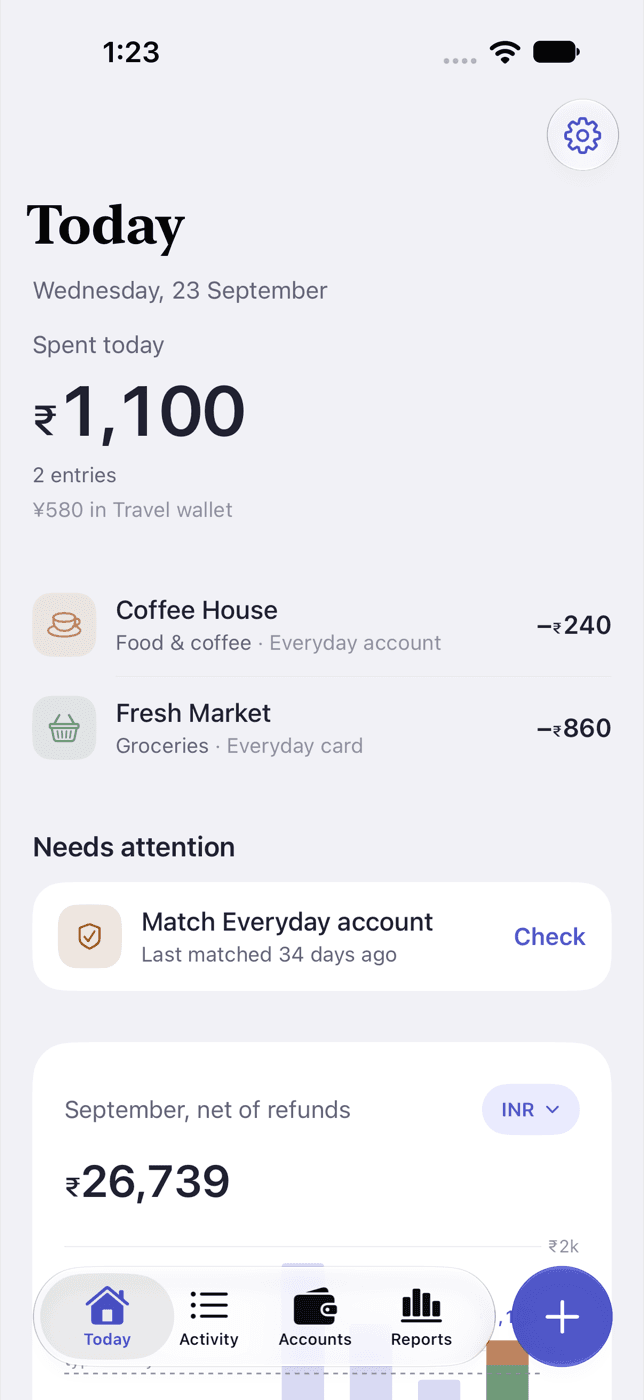
The whole ledger is one SQLite file in Tillwise's own folder. There is no account to create and no server to sync it to. Read the privacy policy.
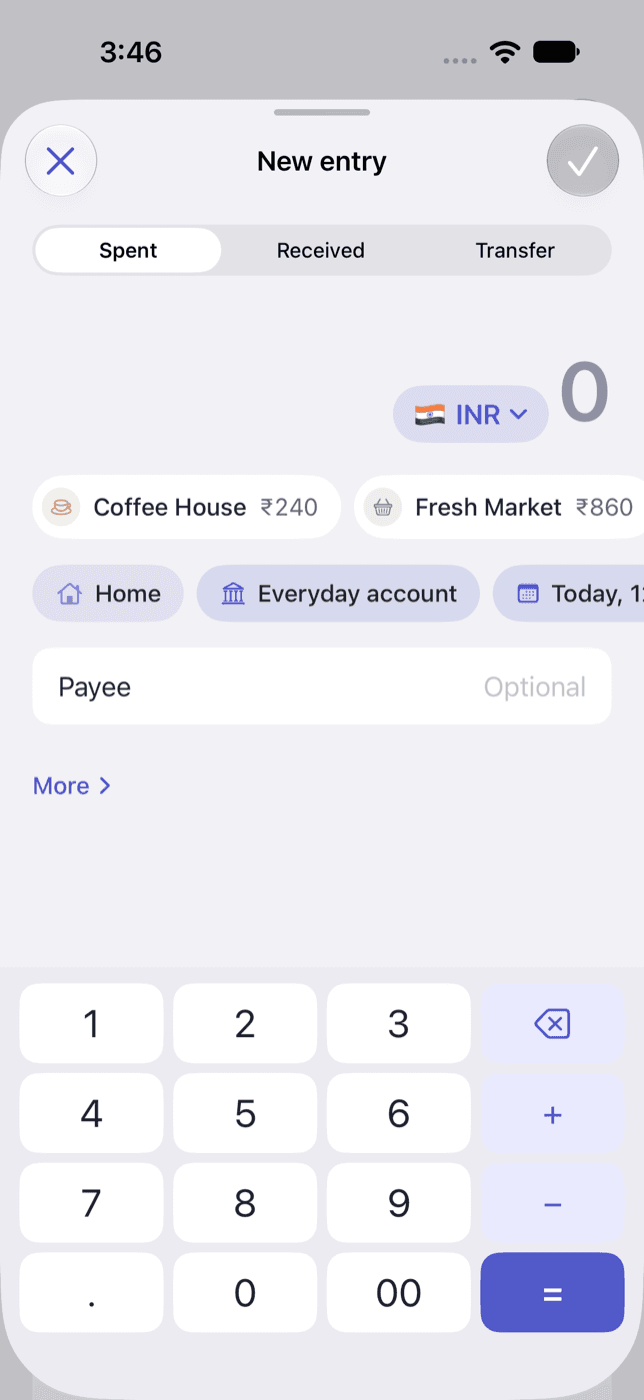
The amount gets a calculator keypad instead of a text field. Recent payees fill in the category, the account and the last note.
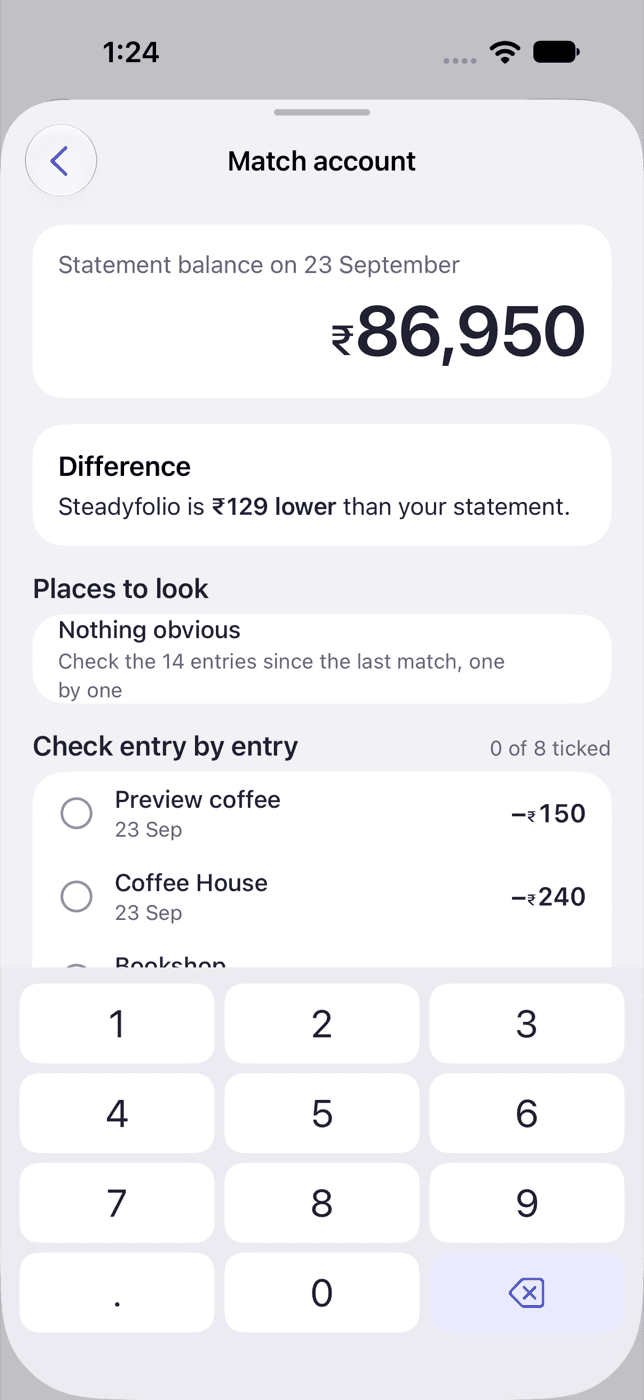
Match asks whether an account agrees with your statement. If it does not, it names the difference and where to look, and never edits an entry itself.
A month strip back to your first month, In, Out and Net, where it went with shares and averages, and a grid of every day.
It follows the phone's appearance, and every amount scales with Dynamic Type.
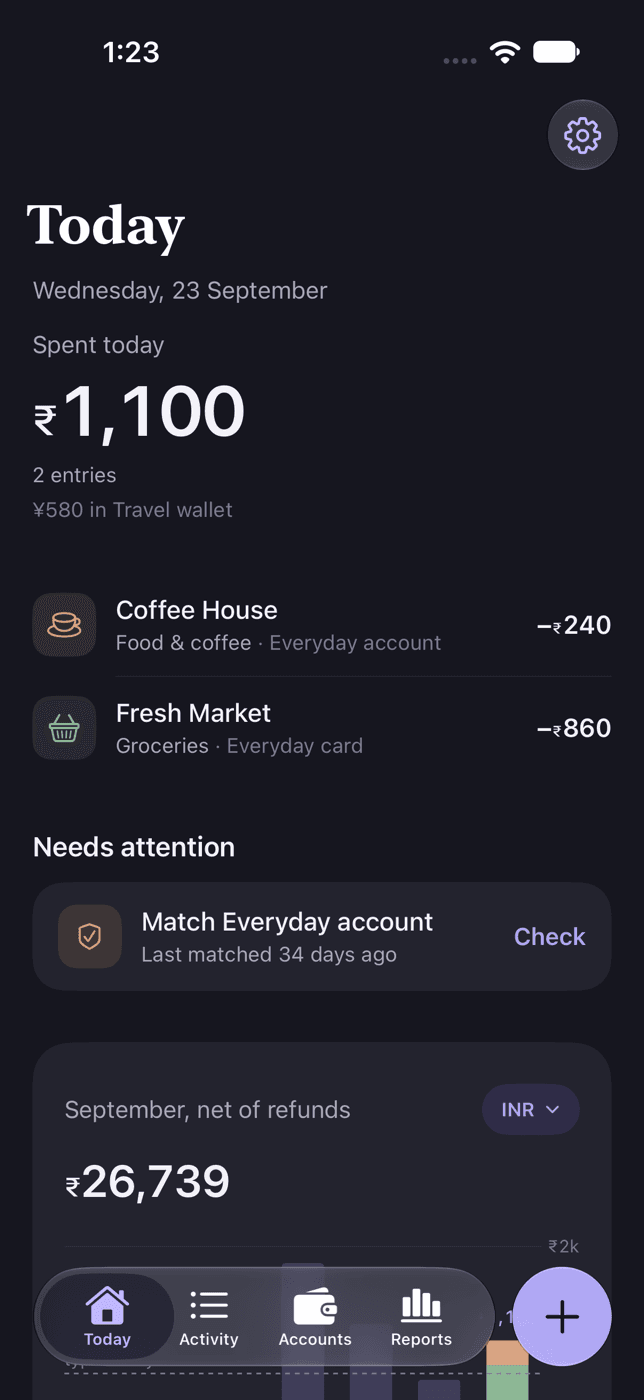
Entries keep the currency they were made in, and balances are never converted. A total that adds up two currencies converts into your home currency, marks itself with ≈, and footnotes the rate it used and when.
Past months use that month's average rate, so an old report does not change when today's rate does.
Join through TestFlight and it installs like any other app. Send feedback with a screenshot from the TestFlight app. The App Store release comes after the beta.
Join the betaiPhone, iOS 26 or later. Free, with no ads.